Host
SDK & CLI
Open-source Rust CLI and crates over USB-C. Scan, capture, GATT, HID, IR, files, JSON out - your automation, not a proprietary DSL.
BLEShark Nano is the pocket BLE, Wi-Fi, and IR research tool. Polished OLED workflows unplugged; open Rust CLI over USB-C when you want your laptop as the brain. Capture and monitor on the radio; analyze and script on the host. No dongle circus for the basics.
Rough development boards with half-maintained firmware. Expensive enterprise gear that an ESP32 in your pocket can often replace for lab work. And multi-tools that trap you in a closed menu. The Nano is the third option: field multi-tool unplugged, open host platform when plugged in.
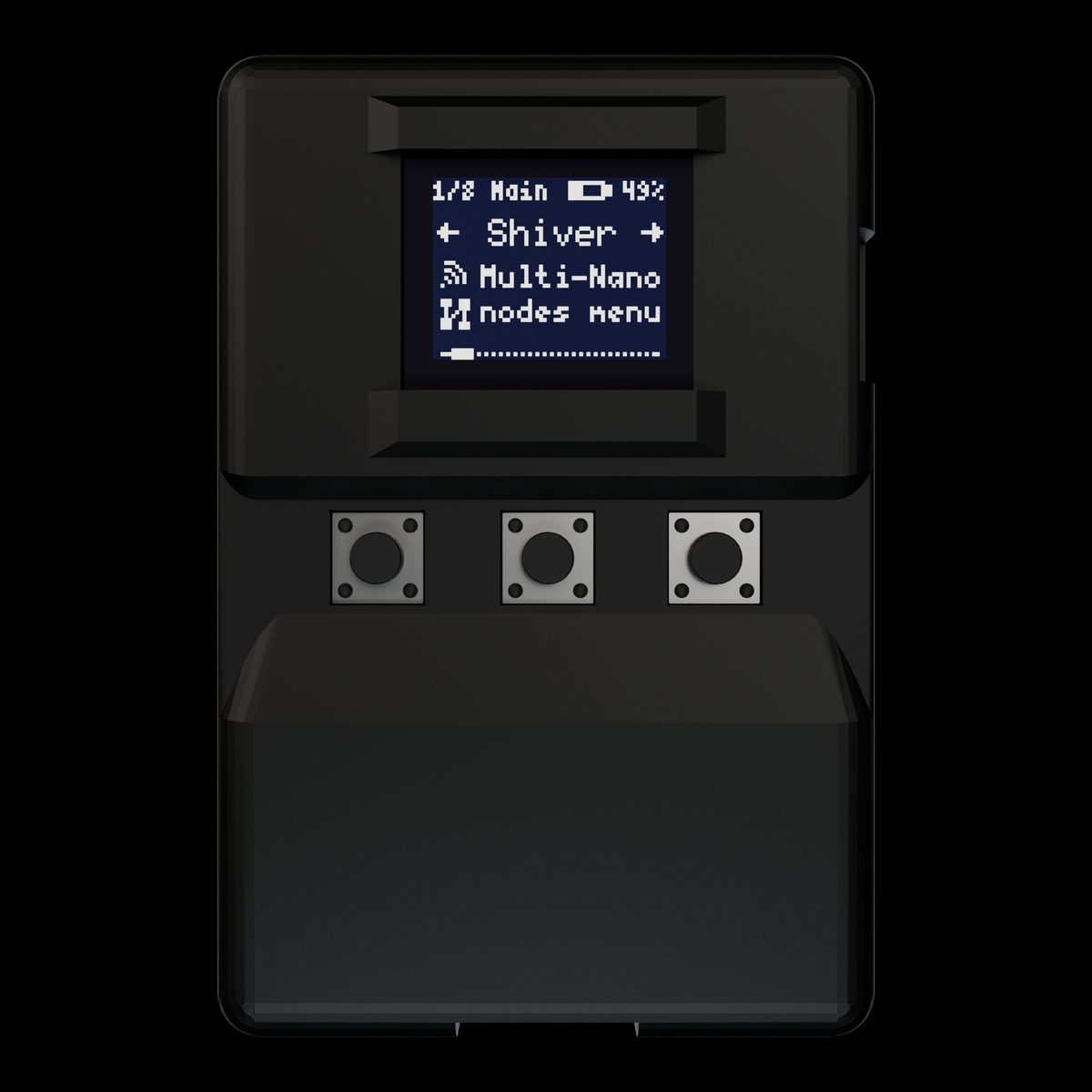
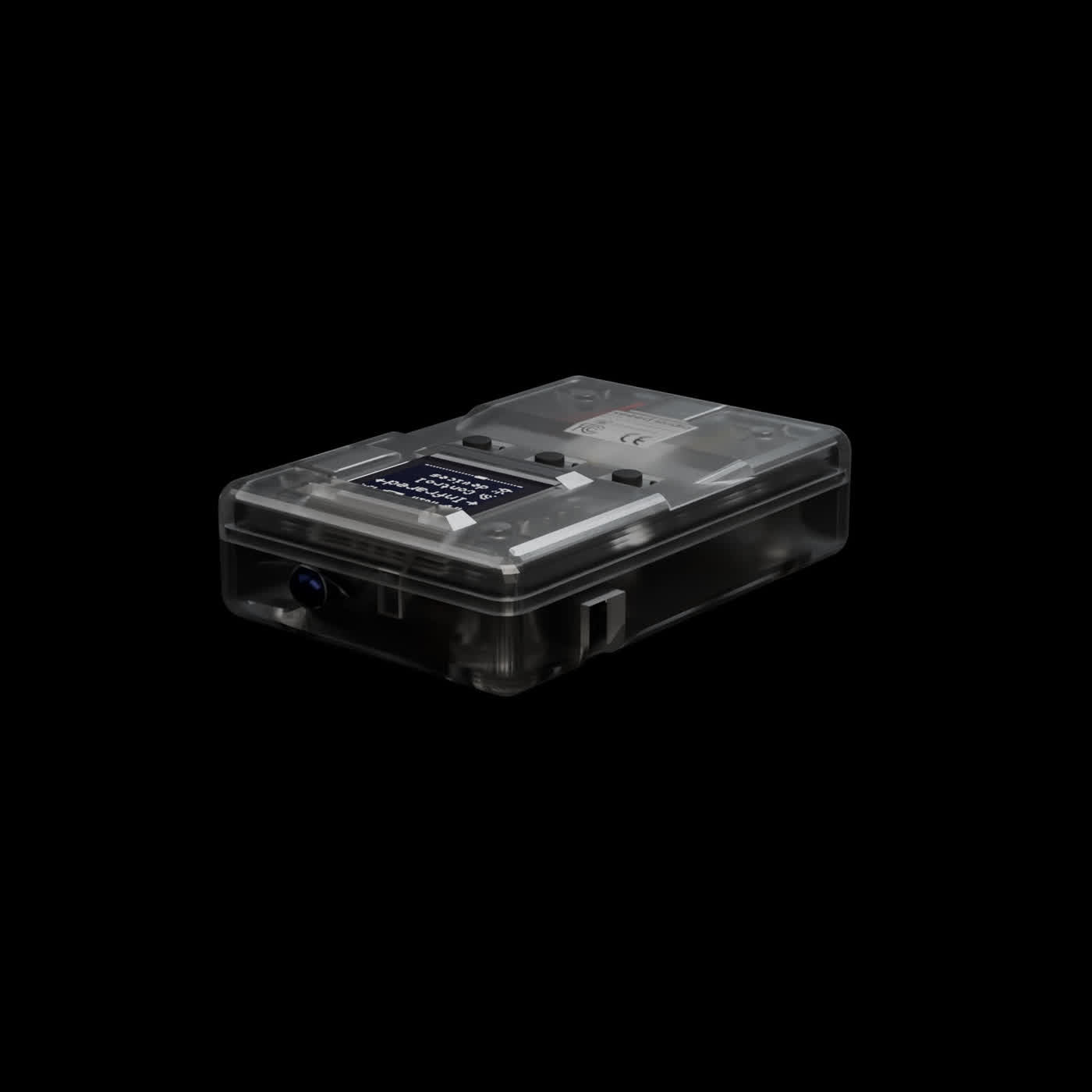
The BLEShark Nano is a pocket-sized wireless research tool for Bluetooth Low Energy and Wi-Fi 2.4 GHz, plus infrared. Unplugged, it is a polished multi-tool on a 0.66" OLED. Plugged in over USB-C, it is an open host-driven RF peripheral: your laptop runs analysis and scripts; the Nano runs the radios.
ESP32-C3 backbone, USB-C, 6 to 12 hours of active use. SoftAP edge (portals and on-device router), USB Wi-Fi adapter path, monitor into Wireshark, and a full field menu when you leave the desk.
We wanted polish at $49.99, and a real incentive for intermediate and advanced operators, not only beginners. Closed firmware alone is a dead end for automation. Host tooling alone is a dongle stack nightmare.
So the architecture is deliberate: Nano for RF and edge I/O; open Rust SDK/CLI for compute, storage, and composition. Same device both ways.
Same Nano you use on-device. Plug USB-C and your laptop becomes the brain: open tooling, host compute, less friction for real workflows.
Host
Open-source Rust CLI and crates over USB-C. Scan, capture, GATT, HID, IR, files, JSON out - your automation, not a proprietary DSL.
Radio
Linux Wi-Fi adapter (SLIP + NAPT), monitor into Wireshark, raw 802.11 TX when you need inject control from the host.
Edge
Captive and evil portals with host-streamed lab pages. On-device SoftAP router: clients on the Nano, upstream via STA NAPT.
Field
Unplugged: scan, handshake, PMKID, spam, Bad-BT, IR, finders, Shiver mesh. The on-device workflows people already know.
Host router CLI, open HTML hoster, and advanced MITM workflows are shipping soon. App catalog and CTF platform when they are ready to demo.
Closed multi-tools trap you in a menu. Laptop dongle stacks burn an afternoon on drivers and five CLIs. Plug the Nano over USB-C and use an open-source Rust CLI: the device is the radio; your machine is the brain for analysis, storage, and scripts.
curl -fsSL https://cdn.infishark.com/install.sh | sh
irm https://cdn.infishark.com/install.ps1 | iex
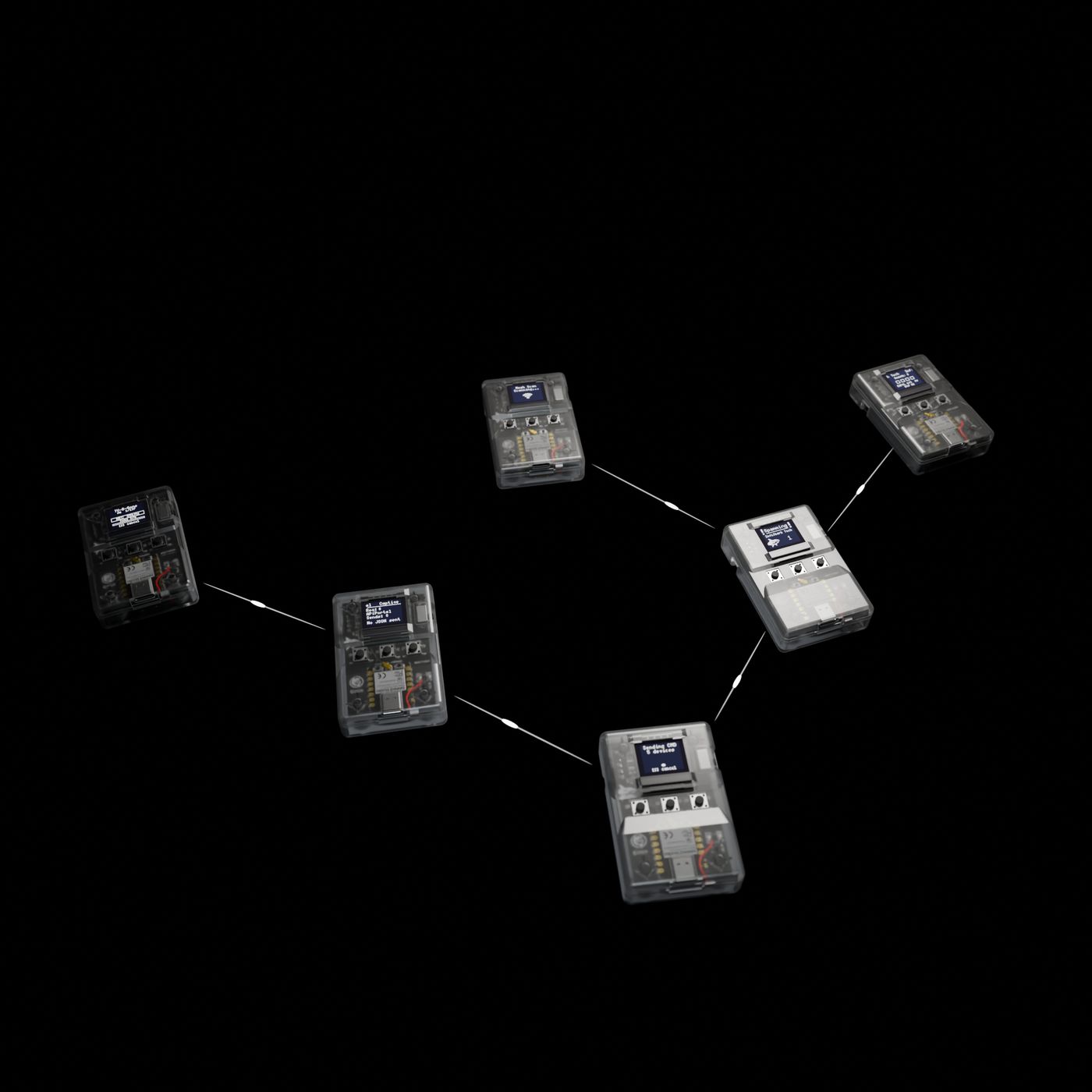
Most people start with one Nano and never need more. Shiver is the optional mesh mode: link several Nanos over ESP-NOW when a team, class, or building needs coverage in more than one place.
A single Nano is the right entry point: pocketable, affordable, and ready for BLE, Wi-Fi, IR, captures, portals, updates, and field work.
Sometimes the job is bigger. A class needs multiple devices. A team wants parallel captures. A lab wants sensors in more than one corner. That is where multi-packs make sense.
Shiver is the expansion path, not a requirement. Pair multiple Nanos when you want them to coordinate over ESP-NOW for broader wireless research coverage.
Multiple Nanos can share work across a private mesh: commands, settings, captures, short messages, and node-to-node routing.
Long Range mode is optional: roughly 200 m per hop in exchange for a slower link. It is built for owners through the automatic OTA system, so one Nano is still the place to start.